Renew in PintSize Cloud: pay by card and the new year applies right away. If you have more than one generator, you can renew them together in one payment or one at a time.
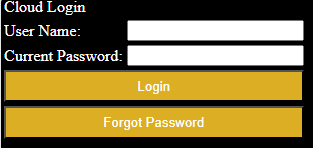
Go to the PintSize Cloud and log in.
After you log in, click the Menu bar at the top to expand it. Click the Generator Edit link.


If you have one generator it is selected automatically. If you have several, pick one from the dropdown; you can add the others in the next step.
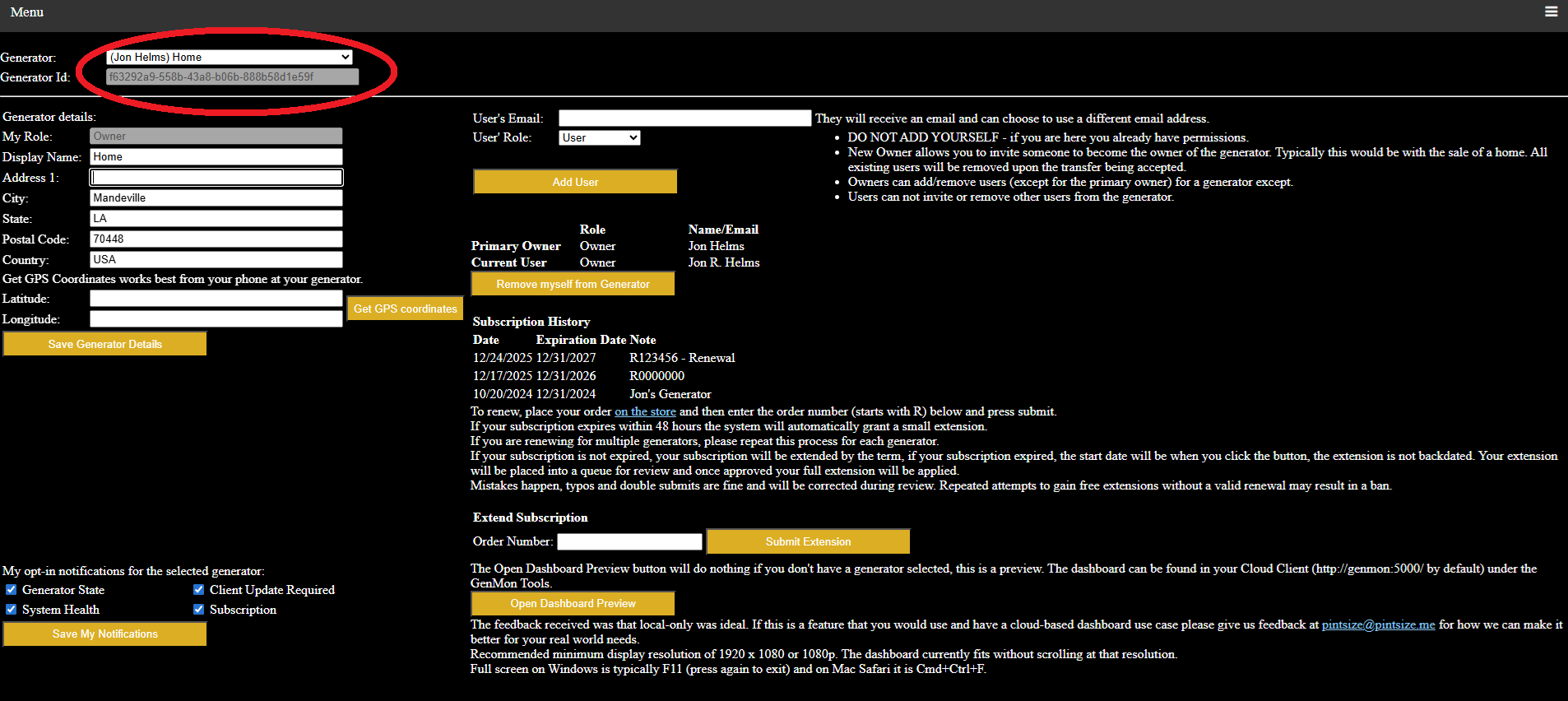
Scroll down to Extend Subscription. Each of your generators is listed with its current expiration and the expiration it will have after renewing. Tick every generator you want to renew and click Renew.
You go to a secure payment page (Stripe) to pay by card. When the payment completes you come back to Generator Edit, which shows the new expiration.